
Translate your text into Plain Language and Easy Language.
Enter your text, choose Plain Language or Easy Language and one of 136 supported languages. Simple8 shows the result in a few seconds.
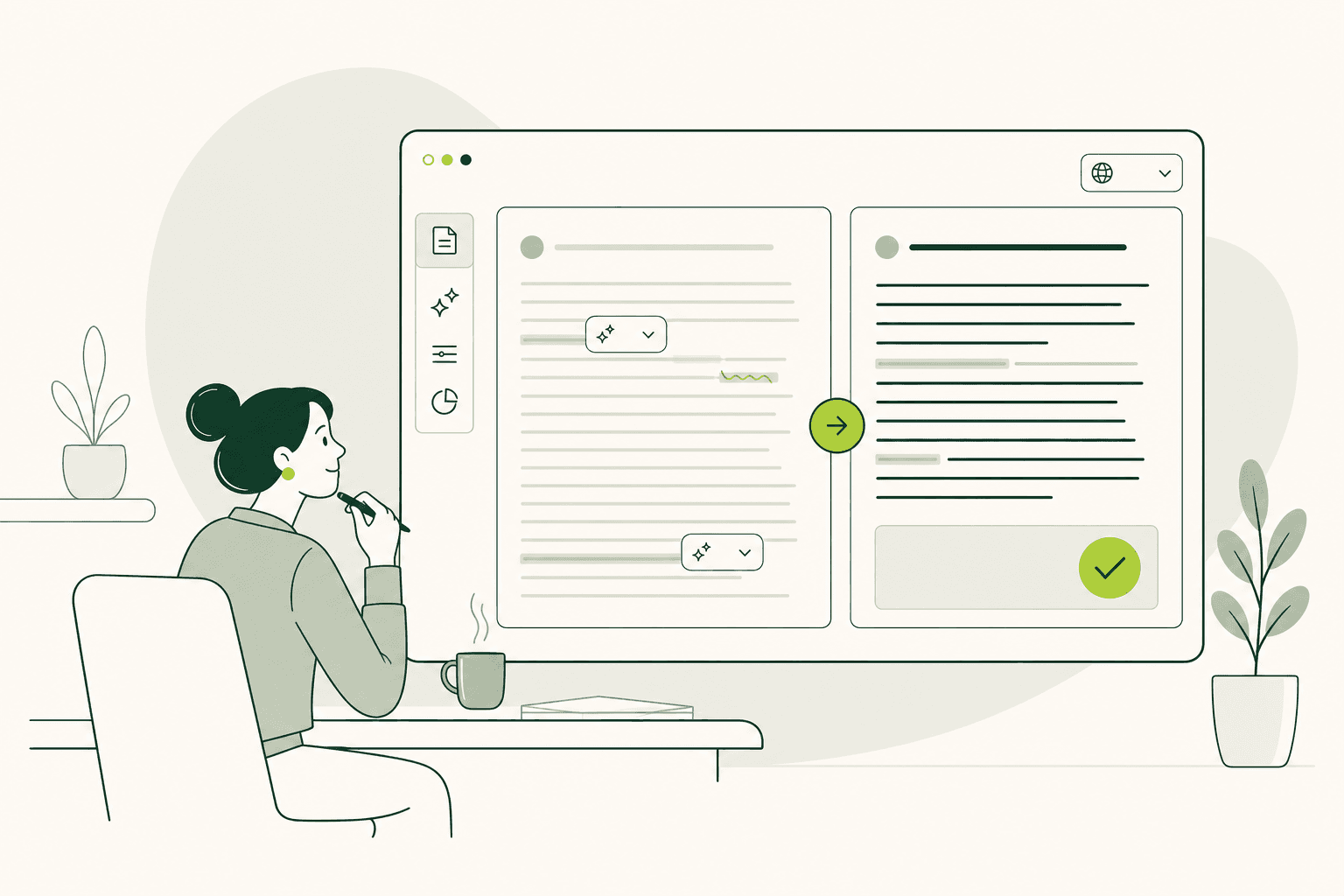
Input on the left. Output on the right
The Easy Language Translator works like a translation tool. Add your text, choose the settings, and create the result.
- Enter or paste your text.
- Choose Plain Language or Easy Language.
- Select one of 136 supported languages.
- Create and copy the result.
Try Simple8 with your own text.
Output
Everything on one screen
Your input stays on the left and the result appears on the right. You can see both texts at the same time.
Select Plain Language for clearer everyday communication or Easy Language for content with stronger accessibility rules.
When the result is ready, copy it from the output field and use it in the channel you need.
- Websites
- Documents
- Emails
- Service information