
The Commission has also adopted a number of proposals for the implementation of the Directive.
Internet accessibility is a key issue that is often overlooked but is of great importance for the design of inclusive websites. It ensures that people with different abilities and limitations have equal access to information and services on the web. This includes people with visual, auditory, cognitive and motor impairments as well as older people who may have difficulties using modern technologies.
Accessibility goes beyond simply providing text alternatives to images. It includes a variety of techniques and methods that ensure that all users, regardless of their ability, can navigate and use the website. These include the use of clear and understandable content, the implementation of keyboard controls and ensuring compatibility with assistive technologies such as screen readers.
TYPO3, as a powerful content management system (CMS), offers numerous features and tools that support the creation of accessible websites. By using these features properly and implementing best practices, developers and designers can ensure that their websites are accessible to all users. In this blog article, we will discuss in detail the various aspects of accessibility in TYPO3 and give practical tips to improve the inclusive design of your website.
Why Accessibility Is Important
The freedom to access the web is not only a moral obligation, but also a legal requirement. Many countries have regulations to ensure that digital content is accessible to everyone. Companies and organizations that fail to meet these requirements risk legal consequences and may lose potential customers.
In addition, accessibility contributes to improving the user experience for all. An accessible website is often more structured, easier to navigate and user-friendly. This can lead to higher user satisfaction and longer stay on the website. Search engines also often rate accessible websites better, which can lead to improved visibility and higher rankings in the search results.
Last but not least, the consideration of accessibility shows that a company or organisation takes care of all its customers and takes social responsibility, which can strengthen the brand image and increase users' trust in the website and the company. An accessible website is therefore not only ethically and legally sound but also business-friendly.
The basic principles of accessibility in TYPO3
TYPO3 offers various functions and possibilities from the ground up that make it easier to create barrier-free websites. One of the most important basics is the proper structure of the content. This includes the use of HTML tags such as headings (h1, h2, h3, etc.), paragraphs (p) and lists (ul, ol) to organize the content logically and hierarchically. A clear structure helps not only users but also search engines and assistive technologies to better understand the content.
Another important aspect is the use of ARIA roles (Accessible Rich Internet Applications). These roles can be assigned to HTML elements to describe their significance and function for assistive technologies. TYPO3 supports the implementation of ARIA roles and attributes, which can significantly improve the accessibility of the website. Developers should use ARIA roles sparingly and targeted to avoid compromising user-friendliness.
TYPO3 also offers a variety of extensions and plugins specifically designed to improve accessibility. These tools can help to optimize various aspects of accessibility, such as providing text alternatives to images, improving keyboard navigation and ensuring color contrast.
Access to web design
Designing a barrier-free website starts with choosing a suitable design. It is important to choose a template that is barrier-free from the start or easily customizable. Make sure that the design offers clear contrasts, uses a good readable font, and navigation is simple and intuitive. Avoid excessive animations and complex layouts that can be confusing for users with cognitive impairments.
Another important aspect of open design is the use of alternative text for images. These texts should be short and concise, describing the content of the image. They help visually impaired users understand the content of the website, and are also useful for search engines. In TYPO3, alternative text can be easily added via the backend, making it easier to manage and update.
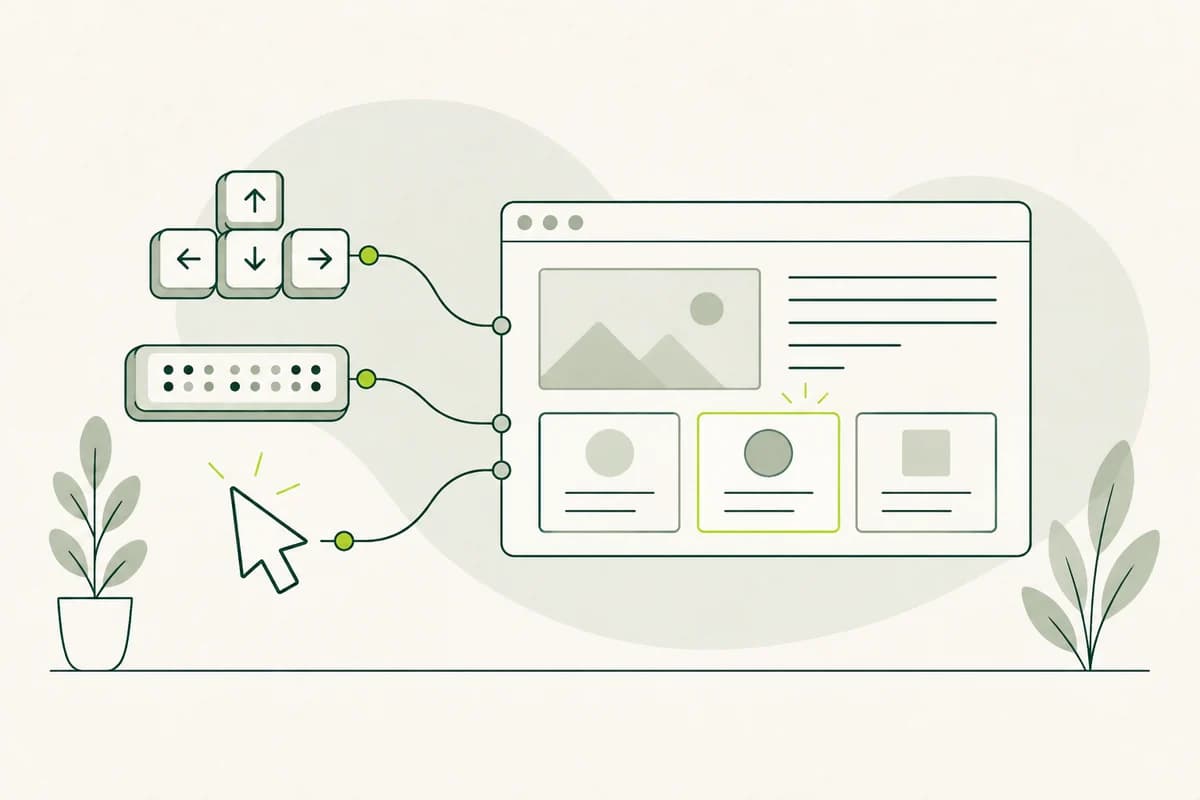
Keyboard navigation is another critical factor for accessibility. All interactive elements of a web page, such as links, buttons, and forms, should be accessible via the keyboard. This is especially important for users who cannot use a mouse. TYPO3 enables easy implementation of keyboard controls and offers various tools to check keyboard navigation. Make sure that all interactive elements are clearly marked and have a logical tab order.
Use of TYPO3 extensions for accessibility
TYPO3 offers a variety of extensions specifically designed to improve accessibility, including the "Accessible Content" extension, which provides a number of tools to improve accessibility of content, such as the easy creation of accessible forms, automatic verification of alternative texts and the implementation of keyboard controls.
Another useful extension is the Color Contrast Analyzer extension, which helps ensure that the color contrast between text and background is sufficient to be read by all users. Color contrast is a frequently overlooked aspect of accessibility, but it is crucial for the readability and ease of use of a web page. With this extension, developers can quickly and easily check and adjust the contrasts on their web page if necessary.
The "Screen Reader Friendly" extension is another valuable addition to TYPO3 websites. This extension optimizes the HTML code and structure of the website to improve compatibility with screen reader devices. It ensures that all content and navigation elements are correctly recognized and read by these devices. This is especially important for users with visual disabilities who rely on screen reader devices to use websites.
WCAG guidelines and their implementation in TYPO3
The Web Content Accessibility Guidelines (WCAG) are international guidelines designed to improve accessibility on the web. They are divided into three conformance levels: A, AA and AAA. Each level contains specific criteria that a website must meet to be considered accessible. Implementing these guidelines in TYPO3 is an important step towards ensuring accessibility.
The WCAG guidelines cover a wide range of aspects of accessibility, including perceptibility, usability, comprehensibility, and robustness. Perceptibility refers to the ability of all users to see and hear the content of a web page. Usability ensures that all interactive elements are accessible and usable. Comprehensibility means that the content is clear and easy to understand, while robustness ensures that the website is compatible with different browsers and assistive technologies.
TYPO3 provides various tools and extensions to facilitate the implementation of WCAG guidelines. For example, developers can use the "a11y" extension to check their website for compliance with WCAG criteria. This extension provides detailed reports and recommendations to improve accessibility. By regularly reviewing and adapting the website to WCAG guidelines, developers can ensure that their TYPO3 website is accessible to all users.
Testing the accessibility of your TYPO3 website
Accessibility testing is a crucial step to ensure that your TYPO3 website meets the requirements. There are various methods and tools that can help. Manual testing is a way for real users with different abilities to use the website and give feedback. This can provide valuable insights into real use scenarios and potential barriers.
Another important tool is automated testing tools that can check the website for different accessibility criteria and report on problems found. Examples of such tools are the "WAVE Web Accessibility Evaluation Tool" and the "AXE Accessibility Checker". These tools can quickly and efficiently identify potential barriers and provide recommendations for removal.
It is also important to regularly test the website as changes and updates can introduce new barriers. A continuous testing and improvement process ensures that the website is always accessible. Developers should also ensure that all new content and features are checked for accessibility before publication. This can be achieved by integrating accessibility testing into the development and release process.
Best practices for accessible content
Creating accessible content is as important as the technical implementation of accessibility. Clear and simple language is crucial to ensure that all users can understand the content. Avoid technical jargon and long, complex sentences. Instead, use short, bold sentences and clear headings to make the content easy to understand.
Another important aspect is the use of alternative texts for images and graphics. These texts should describe the content of the image briefly and precisely so that visually impaired users can understand the context. In TYPO3, alternative texts can be easily added from the backend. Make sure that all images on the website are provided with meaningful alternative texts.
Content structure is also critical for accessibility. Use HTML tags such as headings (h1, h2, h3, etc.), paragraphs (p), and lists (ul, ol) to organize the content logically and hierarchically. This helps not only users but also search engines and assistive technologies to better understand the content. A well-structured website is easier to navigate and use.
Training and awareness-raising for accessibility in the team
The awareness and training of the entire team is an important step in ensuring accessibility on TYPO3 websites. Everyone on the team, from developers to designers to content managers, should understand the basics of accessibility and know how to implement them in their daily work. Training and workshops can help to raise awareness and impart practical skills.
Another important aspect is the integration of accessibility into the entire development process, from planning and design to design to development and maintenance, all steps should take accessibility into account.
It is also helpful to have an Accessibility Officer on the team who is responsible for monitoring and implementing accessibility, who can be a liaison for issues and issues related to accessibility and ensure that guidelines and best practices are followed. Continuous training and team awareness helps ensure that accessibility remains an integral part of web development.
Conclusion and prospects for future developments
Web accessibility is an ongoing process that requires continuous attention and adjustments. TYPO3 provides a solid foundation and numerous tools to support the creation of web accessibility. By using these features properly and implementing best practices, developers and designers can ensure that their web pages are accessible to all users.
The future of web accessibility will be shaped by technological advances and new guidelines. It is important to stay up to date and keep abreast of new developments and best practices. Regular review and adaptation of the website ensures that it meets current standards and remains accessible to all users.
In conclusion, it can be said that accessibility is not only a legal and ethical obligation, but also offers numerous benefits for businesses and organizations. An accessible website can lead to an improved user experience, higher search engine rankings and a positive brand image. By putting accessibility at the heart of your web development, you contribute to making the Internet accessible and inclusive for all.