A language version is a separate page
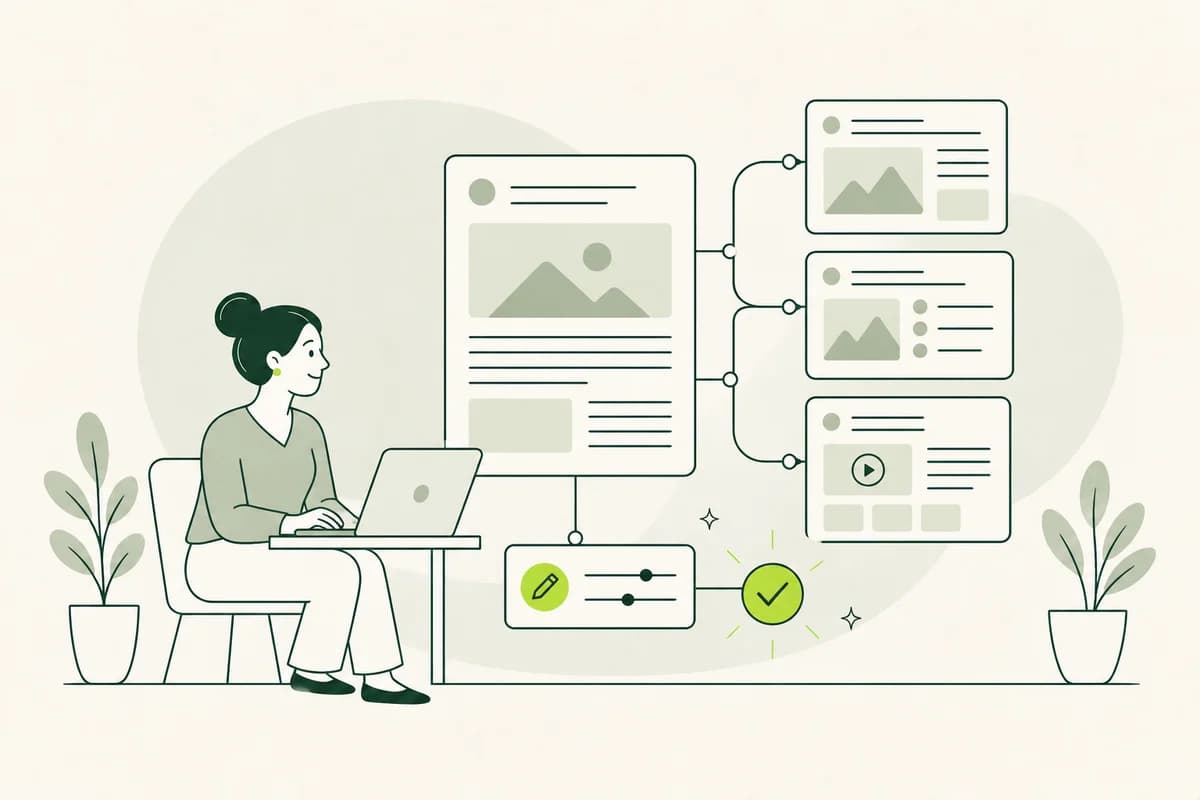
Plain or Easy-to-Read Language content in WordPress should not simply appear as an extra paragraph at the bottom of a long, technical page. The accessible version needs its own title, its own URL, and sufficient space for its layout. This allows it to be linked directly, found via search, and edited independently, without forcing the source text into a rigid page format.
For instance, a city might offer a page on "Applying for a housing eligibility certificate" in Plain Language and add a separate version in Easy-to-Read Language. Both address the same topic but do not need to use the same paragraphs or images. The Easy-to-Read version can explain terms and show intermediate steps, whereas the Plain Language version stays closer to the full technical content.
For readers, what matters is that the relationship between versions is immediately apparent. Each version clearly states the language style used, the topic explained, and where the other version can be found. The visible label is more important than the technical page type. A vague link like "Other version" does not help users make a choice. The URL should also clearly reflect both the topic and the language style.
The page structure must align with editorial workflows
WordPress can manage language versions as standard pages, posts, or a custom content type. For information that remains valid over the long term, pages are generally easier to categorize than chronologically sorted posts. A custom content type may be appropriate if a large number of versions are created and the editorial team requires specific fields, overview lists, or approval workflows for them.
The right choice becomes apparent in day-to-day operations. If an association publishes only six key pieces of information in Easy Language, standalone pages grouped under a shared section often suffice. If a state agency manages hundreds of service descriptions with multiple versions, however, it requires more robust relationships and filtering capabilities. Otherwise, it is impossible to reliably see which accessible page corresponds to which specialized page.
Folder-like parent pages can help orient visitors, but they do not solve every editorial issue. In WordPress, a page can have only one direct parent page while still belonging to multiple topics. Categories or custom attributes can assist with internal organization. Nevertheless, public navigation should remain simple and not expose the system's entire administrative logic. Internal organization and the visible path serve different purposes.
The block editor supports a calm, clear structure.
In the WordPress block editor, headings, paragraphs, images, and notes can be edited separately. This works well for creating clear, understandable text, provided each block fulfills a specific function. A heading introduces a genuine question, and the following paragraph answers it. Conversely, large groups containing nested columns make editing difficult and can result in a confusing sequence on small screens.
Reusable patterns are useful for elements that function identically across many pages - such as a clearly labeled toggle to switch to a specialized version or a contact section. However, the main body of an article should not be assembled from rigid patterns. Depending on the topic, "Easy Language" requires varying amounts of explanation, examples, and imagery; a fixed layout grid should not hinder these editorial decisions.
The input interface also influences the language used. If the field for an introduction allows only a few characters, editors might be forced to shorten a crucial statement. If headings are automatically generated from internal names, obscure terms may end up being displayed publicly. A well-designed WordPress interface uses field labels that clearly explain their purpose, allowing visible text to be written independently of internal working titles. A helpful preview feature is available directly from this view.
Switching between versions remains visible.
A language-switching option should be placed near the page title or in another consistent, highly visible location. That is where users expect to find information about the current version. A link labeled "This information in Easy-to-Read language" is easier to understand than an icon or an abbreviation. On the destination page, an equally clear link leads back to the detailed technical information.
WordPress menus can also provide a gateway to all content available in Easy-to-Read language. However, this entry point does not replace the link found on the individual subject-specific page. Anyone arriving directly at the "basic income support" page via a search engine should be able to see immediately whether an accessible version is available. No one should have to search through the main menu first.
The link should not simply be buried within a free-text paragraph. If a page is renamed or moved, an old link might otherwise remain unnoticed. Maintaining a proper page relationship within the system allows the theme - or a suitable plugin - to output the current link. At the same time, the editorial team can see if a specific version has not yet been assigned to a source text. This prevents gaps from occurring before publication.
A service page illustrates the difference
A WordPress page for dog registration typically begins with the legal basis, fee schedule, and details of the responsible authority. However, people are usually looking for three specific answers: Do I have to register my dog? What information do I need? How much is the fee? Using Plain Language, these answers can appear early on, while the full set of regulations remains accessible via a clearly labeled link.
An Easy-to-Read version might structure the process differently. It first explains which dogs must be registered and then shows how to access the form. An image might support the section where the dog tag number is entered. Consequently, the WordPress post requires a different block sequence than the standard service page, even though both belong to the same service offering.
Instead of generic promotional text, the page concludes with relevant assistance information. This includes the phone number, availability times, and a description of the specific help the team provides. A well-managed contact block can display these details across multiple service pages. If the number changes, it only needs to be updated in one place, without the accessible article losing its unique structure.
Images from the media library need a purpose
WordPress makes it easy to reuse images from the media library. For Easy-to-Read content, however, this is only helpful if the image genuinely supports the message. A photo of the town hall, for instance, can show the correct entrance. A generic image of a smiling team placed next to an application deadline takes up space without conveying any information and may distract from the crucial detail.
Alt text is stored in the media library and is often carried over whenever the image is used. However, the same text does not automatically fit every context. If an image in a set of directions shows the accessible entrance, the alt text should convey precisely that information. In a purely decorative context, a spoken description of the image content may not be necessary. The editorial team reviews the specific context on the page.
Image captions and text within images also deserve attention. A graphic containing an embedded phone number is difficult to update and cannot be reliably read by screen-reading software. It is better to include the number as actual text within the WordPress content. The image can serve as a supplement but should not be the sole carrier of important information such as deadlines, addresses, or calls to action. This ensures the information remains accessible even if the image itself cannot be viewed.
Previewing means more than just checking the text
The WordPress preview shows how an unpublished page appears within the theme. Editorial teams should view it on both large and small screens. A clear headline might wrap awkwardly on a smartphone, a notice could get lost between other blocks, and a wide image might push the actual next step far down the page.
To allow for review by members of the target audience, the preview must be accessible without a WordPress login. This can be achieved via a securely shared draft link or a protected test environment. The reviewer should not have to navigate the dashboard first; instead, they should open the page much as they would in everyday use and attempt to complete a realistic task.
Editorial roles should align with responsibilities. Authors can prepare content, while subject matter experts verify factual details, and authorized editors handle publication. Excessive administrator privileges increase the risk of accidental changes to menus, plugins, or design. Conversely, overly restricted permissions can cause unnecessary delays for minor, urgent corrections.
Changes to the original must be clearly visible
WordPress does not automatically notify the editorial team when a modified content page affects other language versions. Therefore, the relationship between pages should be visible within the editing view. If a deadline or fee changes, the person in charge can immediately identify which versions require review and who is responsible for updating them.
Revisions show what has been changed within a page. However, they do not automatically explain why a statement was adjusted or which related version is still pending. A brief editorial note can record the reason - such as "Fee increased effective January 1st." An internal status then indicates whether the version has been reviewed, revised, or re-approved.
With Easy-to-Read language, a change in content may necessitate re-testing by the target audience. A corrected phone number is different from a new exception regarding eligibility. The WordPress system should not treat both cases the same way. Content editors need sufficient information to decide whether a direct correction suffices or if the explanation needs to be tested again.
Plugins must not obscure the relationship between versions.
Multilingual and translation plugins can link pages, display language menus, and manage separate URLs. However, Plain Language and Easy-to-Read language are not merely translations into another national language. Before selecting a plugin, check whether it allows custom labels, supports independent page structures, and does not automatically treat accessible versions as incomplete translations.
Search functions, caching, and search engine optimization (SEO) also affect how content is published. The WordPress search function should display an Easy-to-Read page when relevant terms are used. A cache must not continue serving the old version for hours after an urgent deadline change. Page titles and descriptions should indicate the language variant so that search results do not create false expectations.
A plugin is only a good solution if the editorial team can use it reliably in their daily workflow. An extensive plugin with many unused features creates additional sources of error. Before permanent implementation, it is worth running a test using a real content page, two language versions, a subsequent modification, and a deleted draft. This reveals whether relationships and status indicators remain clear. Furthermore, switching plugins at a later date should not render the content unusable.
Proper maintenance makes the content credible.
People rely on accessible information, especially when a topic is already complex. An outdated phone number or a missing condition can quickly undermine this trust. Therefore, every version should indicate the responsible party and a verifiable date of last update. This date must reflect a genuine review of the content and must not change automatically every time the file is saved.
WordPress can facilitate collaboration, but it cannot replace editorial responsibility. Someone must identify changes to the source text, verify the accuracy of the accessible version, and - in the case of Easy-to-Read language - plan for the involvement of the target audience. When these tasks are clearly assigned, language versions do not become one-off pages that are forgotten once a campaign ends.
A well-crafted site feels intuitive to visitors. They find content that directly addresses the topic, understand its purpose, and proceed to the next step without detours. For the editorial team, it remains clear which pages belong together and what actions are required after a change. This is precisely the strength of a well-structured WordPress site.