
Offer Plain Language and Easy Language via JavaScript widget.
Load approved language versions onto your existing website using our script. The widget supports language accessibility, but does not replace technical accessibility. Visitors choose between the original, Plain Language and Easy Language.
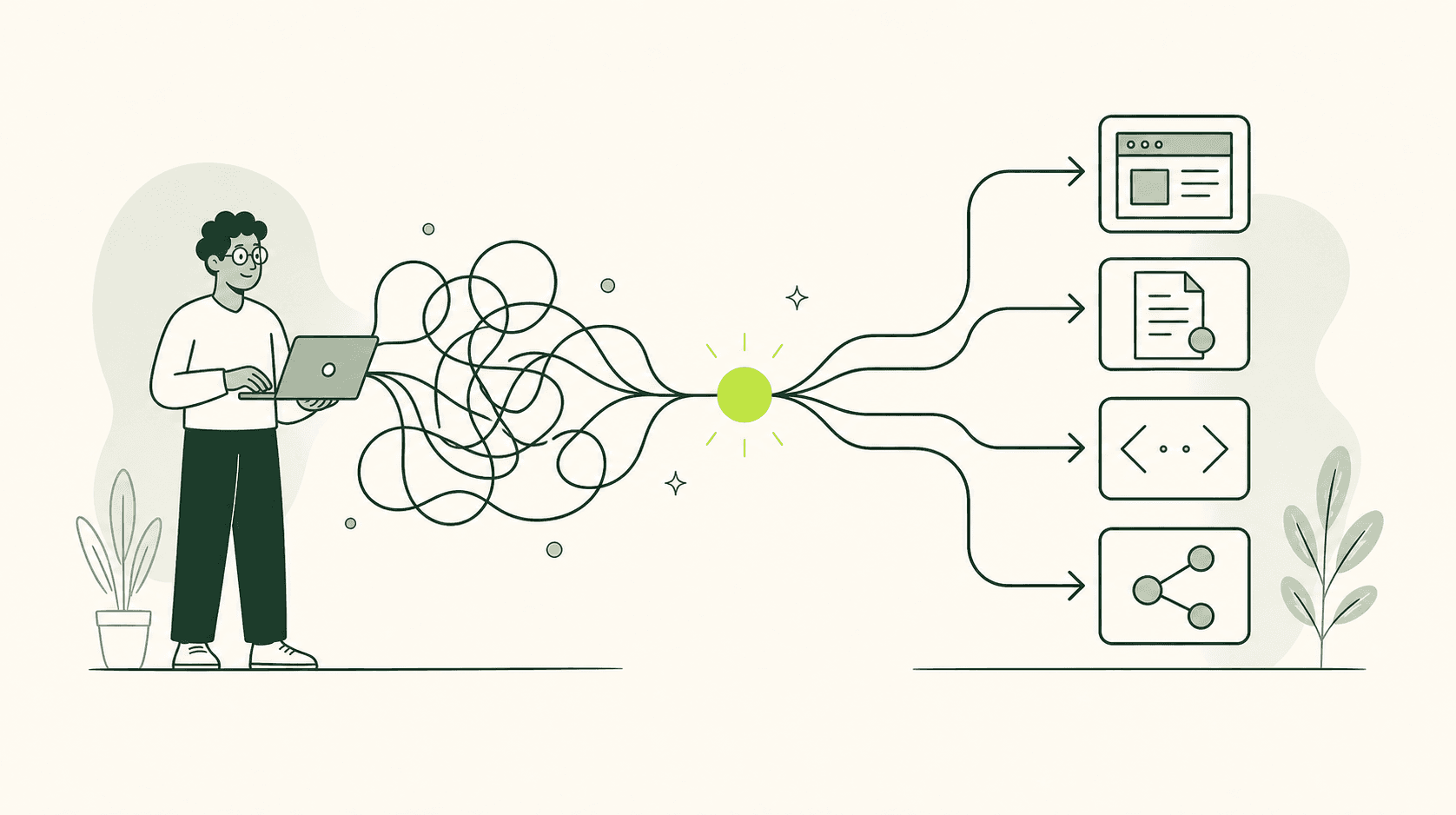
How It Works
Make language versions easy to find with a website widget
A website widget can make it easier to switch to a different language or language style if it is clearly visible, unambiguously labeled, and fully operable. It should lead to a reliable version of the same content and never serve as the sole solution for main content that is otherwise incomprehensible.
Help people find understandable content faster
A website widget is a small control element that allows visitors to select a different language or language style. It can appear in the header, in the page margin, or as a prominent button. Its benefit is simple: people can find accessible versions more quickly without having to search through menus or a separate overview page for the right option.
A clear label shows what the widget does
An icon alone is rarely sufficient. A speech bubble, a book, or an abstract human figure can have multiple meanings. Add a visible label such as "Select language," "Plain Language," or "Easy Language." Visitors should be able to tell what will happen when they activate it. This also applies to people who have the page read aloud to them and cannot see the widget’s icon.
A consistent position makes the widget easy to find
Visitors should find the widget in the same place on every relevant page. A fixed position near the main navigation or page title aids orientation. If it appears at the top of one page, in the margin of the next, and only in the footer later on, users have to search for it repeatedly. Consistency is particularly helpful for people with cognitive impairments.
Keep people on the same topic and task
If a user selects a more accessible version while on a page about resident parking permits, they expect the same information. Jumping to a general Easy-to-Read homepage interrupts the task. Therefore, the widget should lead directly to the corresponding version of the current topic. If such a version does not exist, a clear notification is required instead of a silent redirect to an inappropriate location.
Keep every language version complete and up to date
A widget builds trust by promising a more accessible way to understand information. Consequently, the linked version must contain all the information necessary for its specific purpose. A summary that omits prerequisites or deadlines can lead to incorrect decisions. While it may refer to detailed sources, it should clearly explain what readers can expect to find there and where they can obtain assistance if they have questions.
Make the widget work with keyboards and screen readers
All widget functions must be accessible without a mouse. Keyboard users navigating via the Tab key require access to the button first, followed by each visible language option in a logical order. The current focus position must remain clearly visible. After a selection is made, the focus should land at a logical point within the new version. A widget that can be opened but not closed using the keyboard becomes a barrier itself.
Keep content visible on smartphones
Space is limited on small screens. A permanently open language menu can obscure headings, navigation, or form fields. Use a compact button with a visible label and open the selection only when requested. The close function must be easily accessible. Visitors should not have to scroll through all language options before reaching the actual content.
Test the complete journey to see how well the widget works
Don’t just test the widget with a single click. Start on a frequently used page, select a version, follow a link, and complete a task. Is the selected language maintained? Are the navigation, prompts, and confirmation messages clear? Is it always apparent which version is active? This end-to-end process reveals more than just a technically successful display.