Plain Language and Easy Language for structured Drupal content.

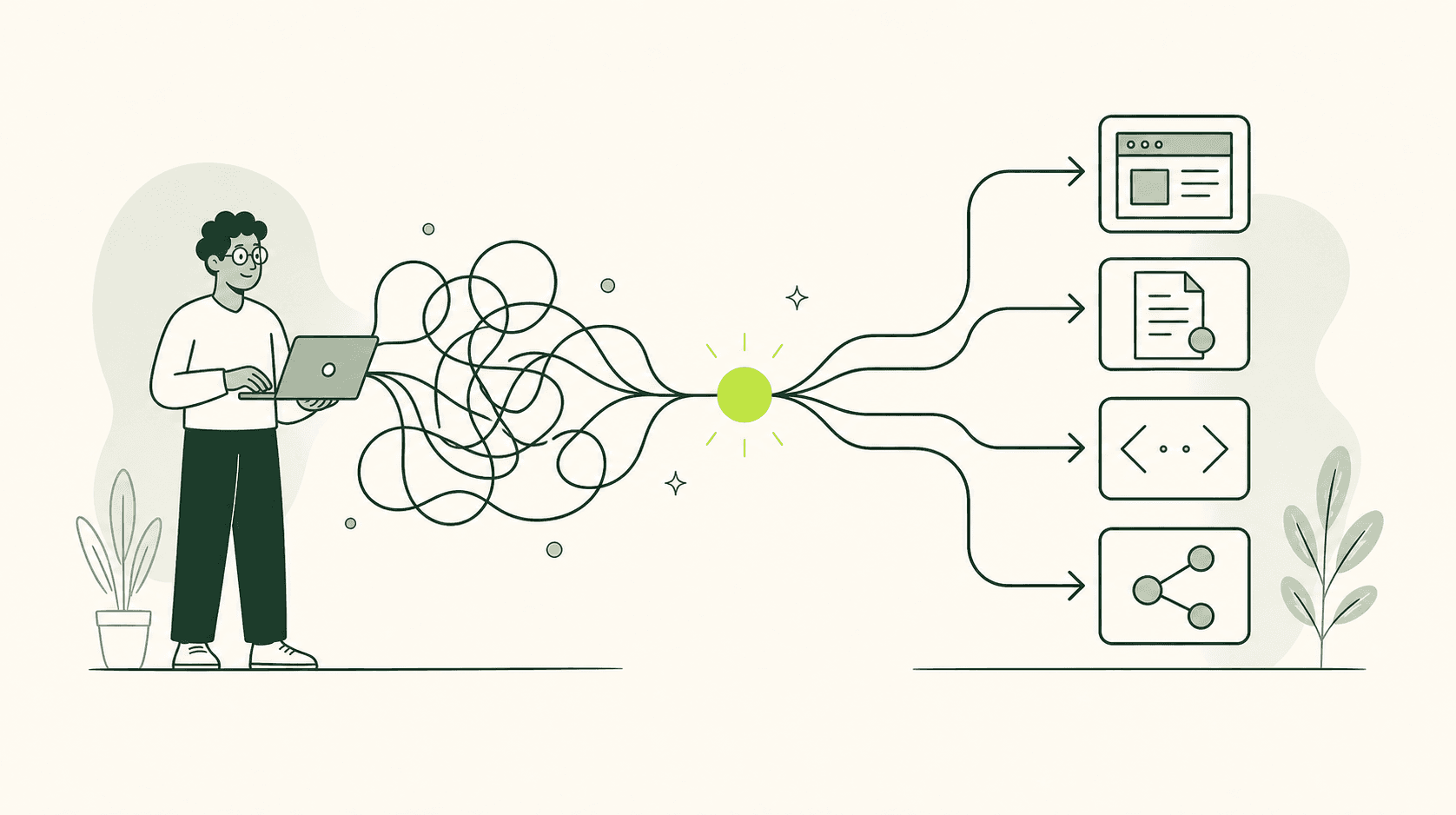
Connect Drupal content with Simple8. Create, review and publish understandable versions directly to your website via your existing approval process.

Drupal Integration

How it works

  1. 01The content is ready.
  2. 02Simple8 creates an easy-to-understand language version.
  3. 03Drupal saves the new version in the right place.
  4. 04An editor reviews and improves the text.
  5. 05Drupal approves the reviewed version.
  6. 06The new language version appears on the website.

Multisite and Structured Content

  • Manage multiple websites centrally
  • Processing of translated content and paragraphs
  • Review and publish editorially
  • Larger quantities of processed in the background
  • Binding own Drupal content types
  • Editorial approval
  • Queues
  • Cron/background jobs
  • Custom entities

Offer Simple8 as a Drupal service to your clients.

The Simple8 partner program is for agencies that want to offer Plain Language and Easy Language as a reliable service in client projects. You receive sandbox access, reusable integration patterns, hands-on support for your first projects, and shared customer documentation. This gives you a repeatable, professional way to deliver Simple8 in Drupal as part of your own service offering.

Explore the partner program

Drupal: Publish and Maintain Accessible Language Versions

Drupal can manage related translations, distinct content versions, approval workflows, and revisions within a single system. A key factor is a structure that allows editorial teams to identify which version they are editing, what it is based on, and when it requires updating.

Drupal keeps language versions closely linked to the original content

A multilingual website involves more than just translated menus. Visitors expect to find the same content in their own language and remain at the same location after switching languages. Drupal can link different translations of a piece of content. This ensures that a German service page, its English counterpart, and other translations are clearly recognized as belonging to the same topic, even though their texts are edited individually.

A clear content structure facilitates every language version

Drupal organizes content using content types and fields. A content type might be an event, a service, or a news item, for example. Fields contain specific details such as titles, summaries, addresses, and contact information. This type of breakdown aids the creation of language versions, provided it is based on the content's meaning. A single large text field obscures important details, whereas clearly named fields assist editorial teams in ensuring complete translations.

Switching languages must lead to the same topic

A clearly visible language switcher is only helpful if it leads to the right destination. A user selecting English while viewing a page about a public park pass expects the English version of that specific topic. Being redirected to the English homepage interrupts the task and forces the user to search again. Drupal can generate links to existing translations, provided the content items are correctly linked and the language switching function is properly configured.

Translations and language variants require different types of relationships.

The Drupal content translation module is designed for versions in different languages. Fields can be configured as translatable, while shared information remains unchanged. An English headline differs from the German one, whereas an internal ID number usually does not. This separation avoids unnecessary duplication of effort but must suit the specific content. An address might remain the same, while the accompanying directions could require translation.

The editing interface should prevent linguistic errors.

When opening a piece of content, it must be immediately apparent which language or language variant is being edited. Otherwise, similar input forms increase the risk of German text ending up in an English version or an unverified change being published. Clear page titles, language indicators, and separate editing workflows help. Unnecessary fields should be hidden rather than confronting editorial teams with technical settings.

Revisions make changes traceable and reversible.

Drupal can save previous editing states as revisions. A revision is a preserved version of content at a specific point in time. This is particularly helpful when multiple language versions are being reviewed or when a change has inadvertently resulted in a loss of meaning. Editorial teams can track what has been modified and revert to an earlier version if necessary, rather than reconstructing texts from emails or local files.

Moderation protects approved versions from premature publication.

Drupal allows content to be managed in states such as "draft," "review," and "published." The content moderation module links these states to revisions. For language versions, this means a translation can be edited and reviewed while the previously published version remains visible. Visitors do not see unfinished changes, and editorial teams do not need to exchange drafts outside the CMS.

Shared content should not catch translations off guard

In Drupal, websites often consist of reused elements. A contact block, an accordion, or a notice might appear on multiple pages. While this reduces maintenance effort, it carries a linguistic risk. If a shared German component is modified, it may appear in various contexts. Before editing, it should be clear where the element is used and which translations are associated with it.

Start using Simple8 for free.

Create your free account and use up to 15,000 characters free every month.